
What is Drupal and how does it work?
Drupal and it's working
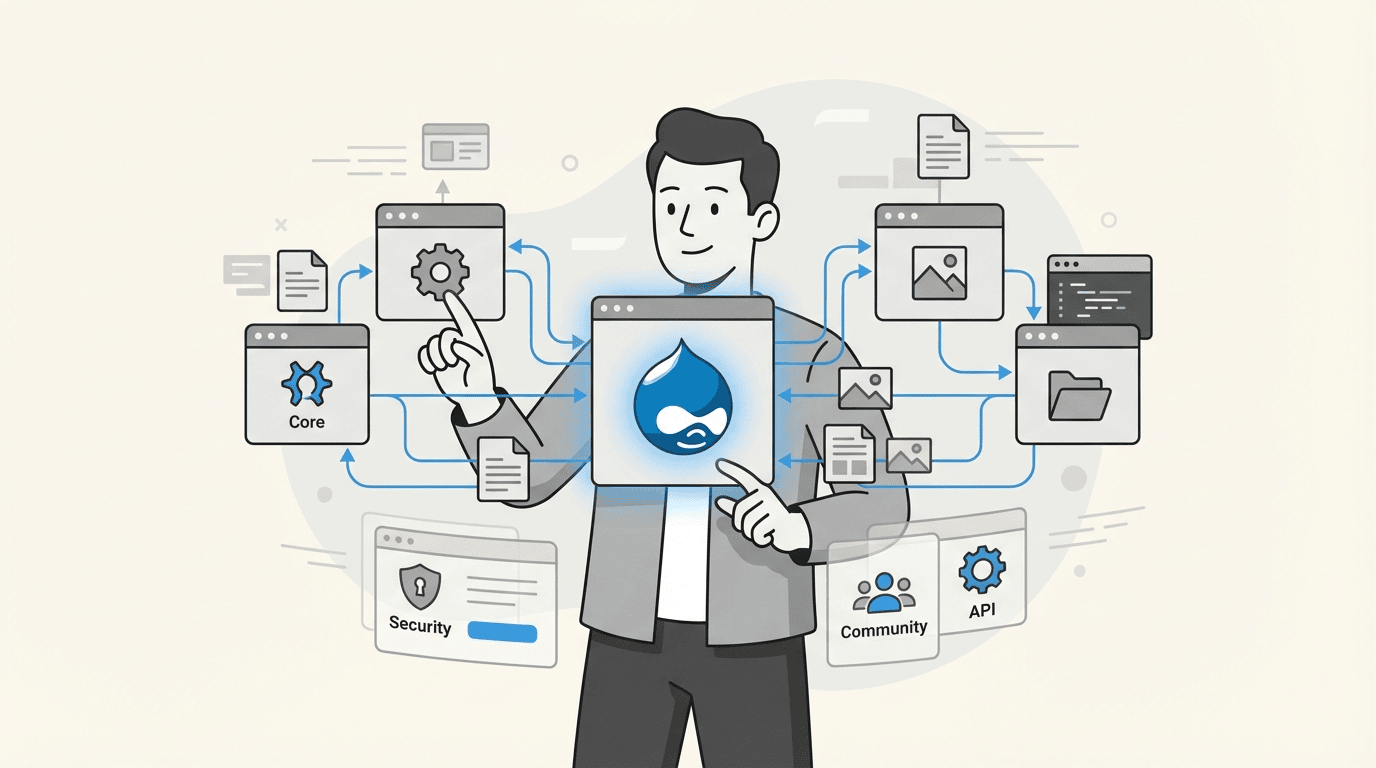
Ever wondered what's running behind the scenes on some of the world's most complex websites? From major government portals like the websites for the Government of Australia to top-tier universities like Princeton, many are built on one platform: Drupal.
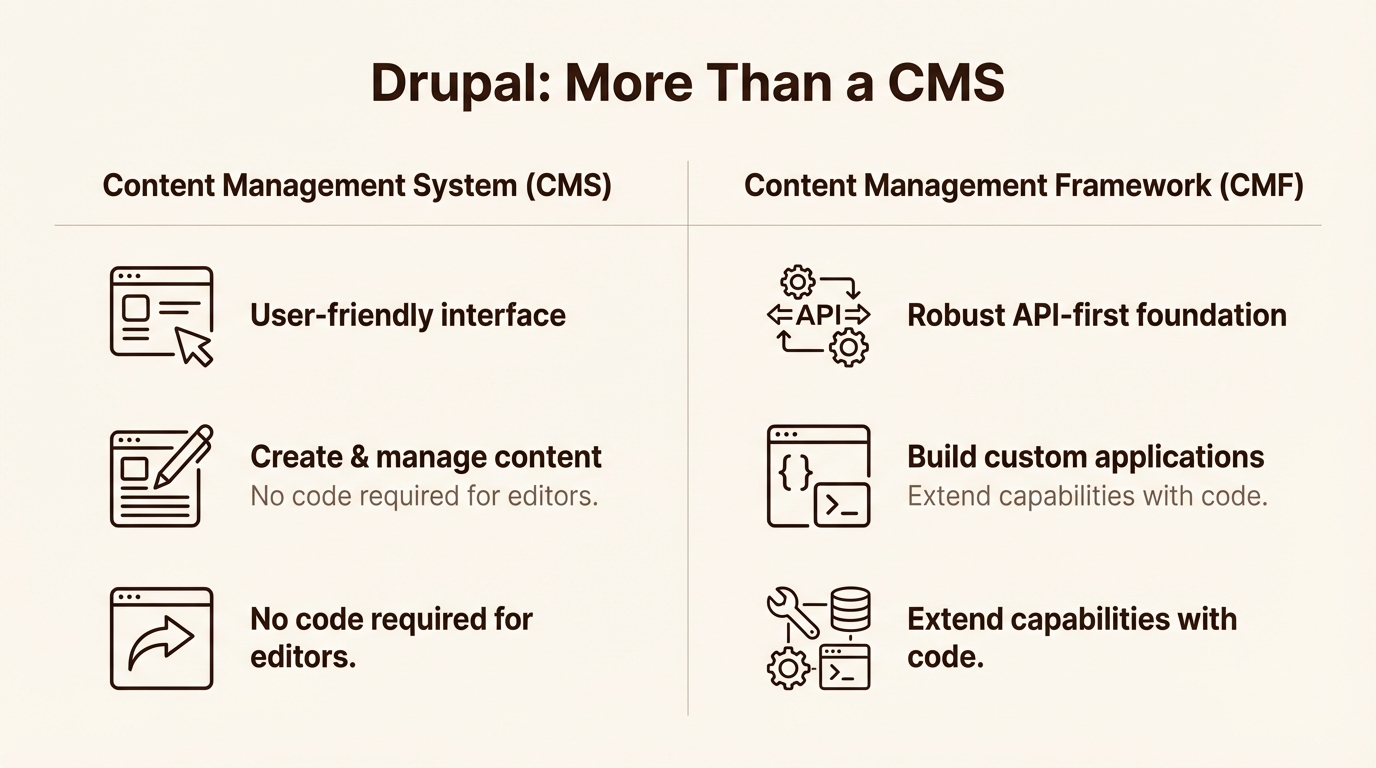
"Drupal is a free, open-source content management system (CMS), but it's also a composable, AI-ready framework. It's known for being flexible, secure, and able to handle significant scale. In this guide, we’ll get into what Drupal is, how its main parts work together, and explore why it’s a trusted choice for building websites and digital applications".
What is Drupal?
Drupal is an open‑source Content Management System (CMS) used to build:
Blogs
Company websites
Government portals
News platforms
Large, complex web applications
Drupal helps you manage content, not just pages.
How Drupal Work
Drupal separates everything into three main ideas:
1. Content – What you create (blog posts, articles)
2. Structure – How content is organized
3. Configuration – How content is displayed and managed
Let’s understand these one by one.
What Is Content in Drupal
Examples of content:
Blog post
News article
Product details
Event information
In Drupal, every piece of content is called a Node.
A node is a single piece of content.
Examples:
One blog post = one node
One news article = one node
One page = one node
Think of a node like a row in a database table.
Imagine a notebook:
Each page of the notebook = one node
All pages together = your website content
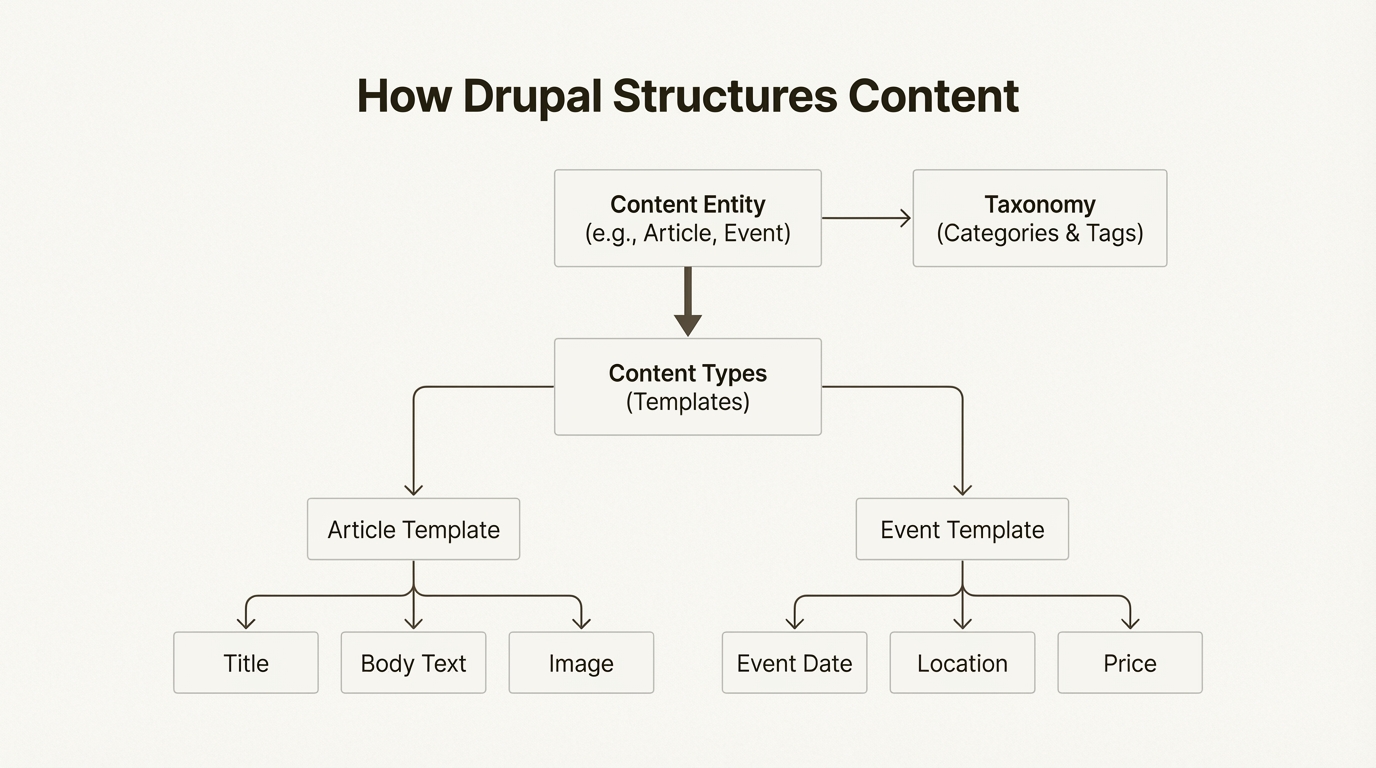
What Is a Content Type?
A content type defines:
What kind of content you are creating
What fields it will have
Common content types:
Article
Blog
Page
Example: Blog Content Type
A blog content type may have:
Title
Body (content)
Image
Author name
Created date
Every time you create a blog post, you are creating one node of Blog content type.
Fields: The Building Blocks
Fields are data holders.
Examples:
Text field (title)
Long text (body)
Image field
Date field
Drupal allows you to add or remove fields without coding.
Why this is powerful?
Because you can:
Change structure later
Add new fields anytime
Reuse content in different places
Why leading organizations choose Drupal
So, we’ve seen how Drupal works under the hood. Now let's connect that technical setup to the real-world benefits that make it the platform of choice for many ambitious organizations.
Flexibility and enterprise scalability
Drupal’s composable nature means it can handle a wide range of needs. It can run a simple website just as easily as it can manage a massive multi-site platform with hundreds of interconnected sites, all from a single codebase.
Enterprise-grade security
When your website is mission-critical, security is essential. Drupal has a strong focus on security. The platform is supported by a dedicated Drupal Security Team, a volunteer group of experts from around the world who actively monitor for vulnerabilities and manage security issues.
Innovation from a global open-source community
Drupal isn't built by a single company. It's built by a global community of developers, designers, writers, and strategists working together. This open-source model fuels its continuous innovation.
Content vs Configuration
This is where beginners usually get confused.
Content
Content is user‑generated data.
Blog posts
Pages
Articles
If content is deleted → data is lost.
Configuration
Configuration defines how the site behaves.
Content types
Fields
Views
Permissions
Display settings
Configuration can be:
Exported
Imported
Moved between environments
This is why Drupal is very popular for team and enterprise projects.
How Drupal Displays Content
Drupal does not hard code content into pages.
Instead, it uses:
Views (to list content)
Blocks (small content sections)
Themes (design)
Example:
You create 10 blog posts (nodes).
Then you create a View:
Show all blog posts
Sort by latest
Display title + image + summary
Now Drupal automatically shows your blogs.
No manual page creation needed.
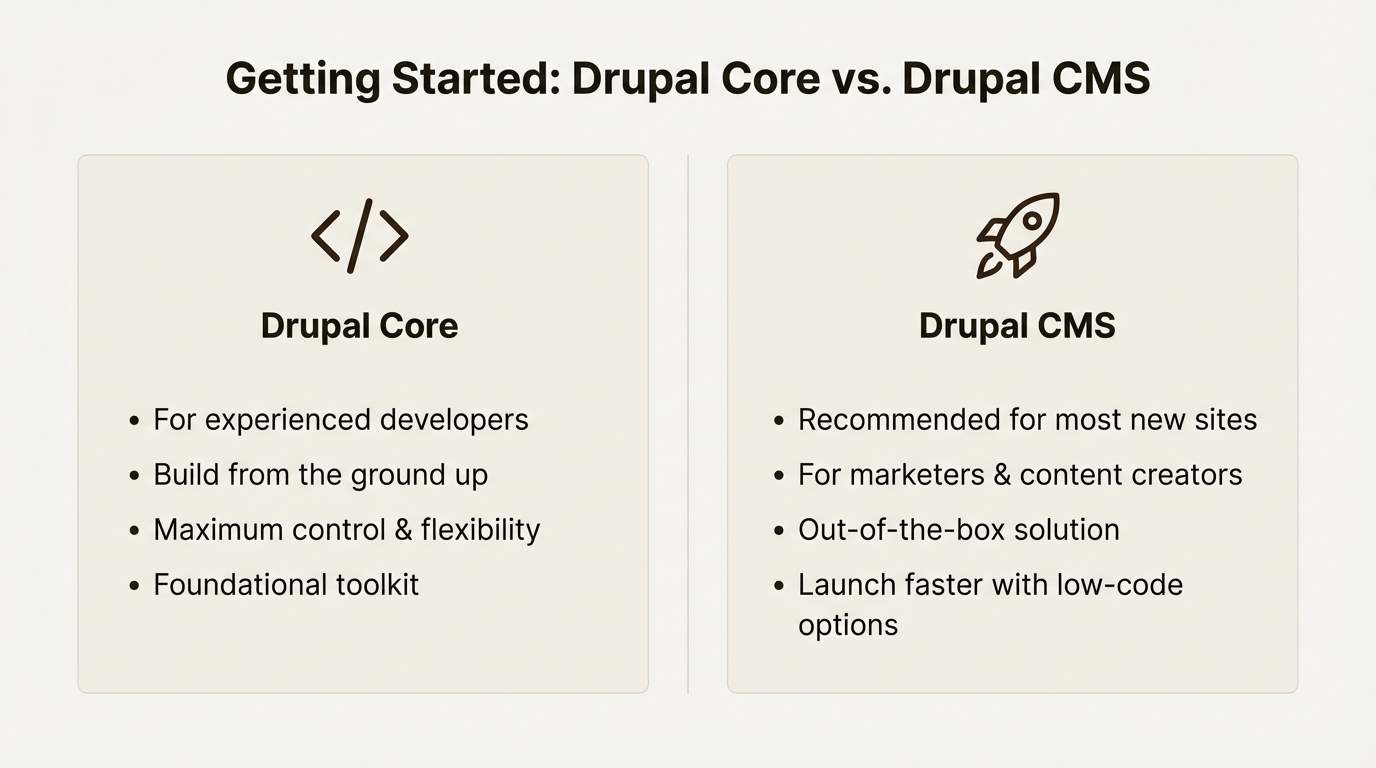
How to get started: Core vs. CMS
Ready to build your ambitious digital experience?
Try Drupal CMS for an easy-to-use, feature-rich starting point ideal for marketers and site builders
Build with Drupal Core to create a fully customized vision from the ground up, perfect for developers.